
A complete rework of the vegetation rendering system, moving from traditional mesh placement to GPU instancing for massive performance gains.
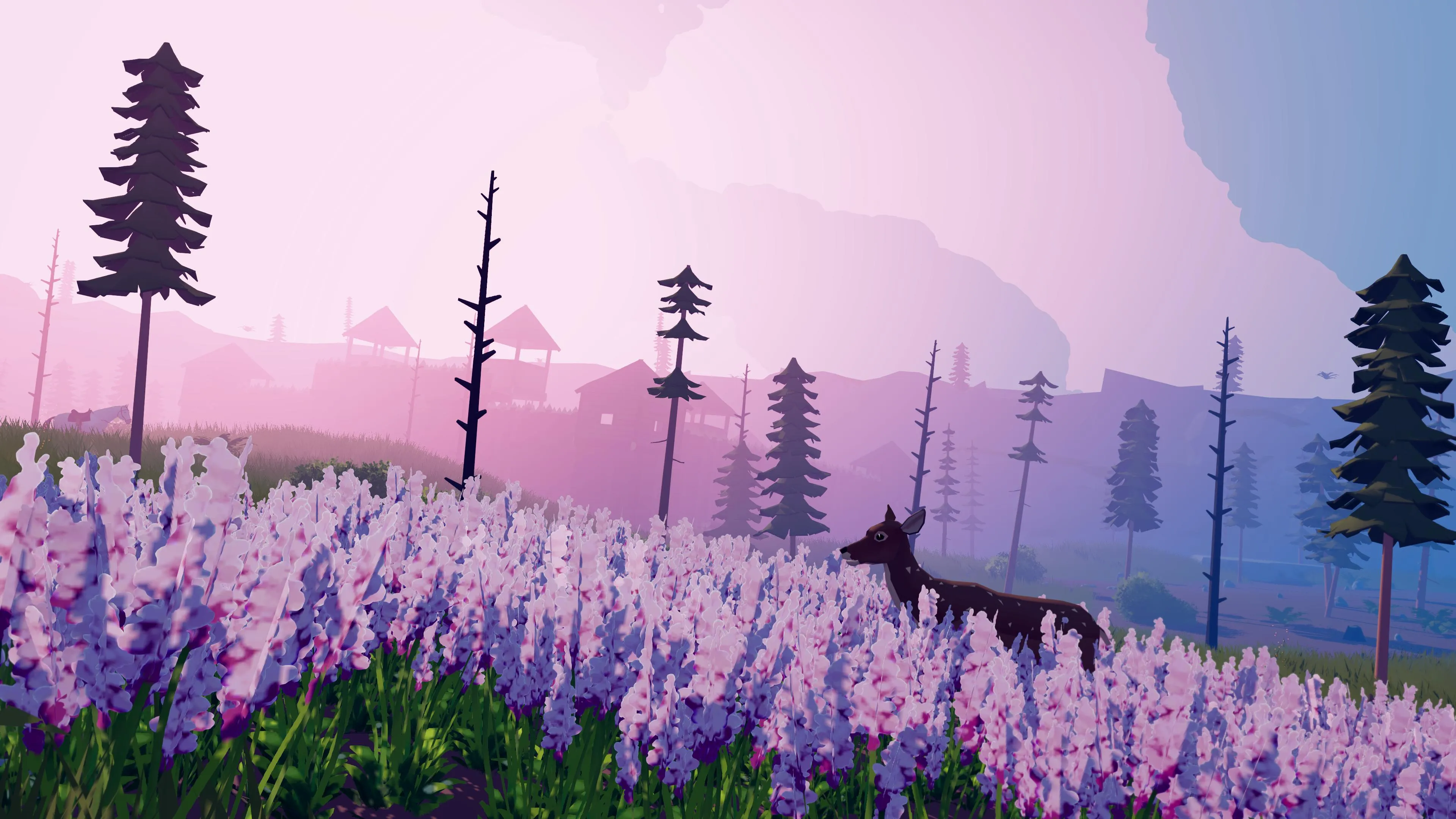
Today I want to talk about a major technical overhaul (long overdue) made to Little Frontier that’s going to make the world feel a lot more alive and immersive - without destroying your framerate.
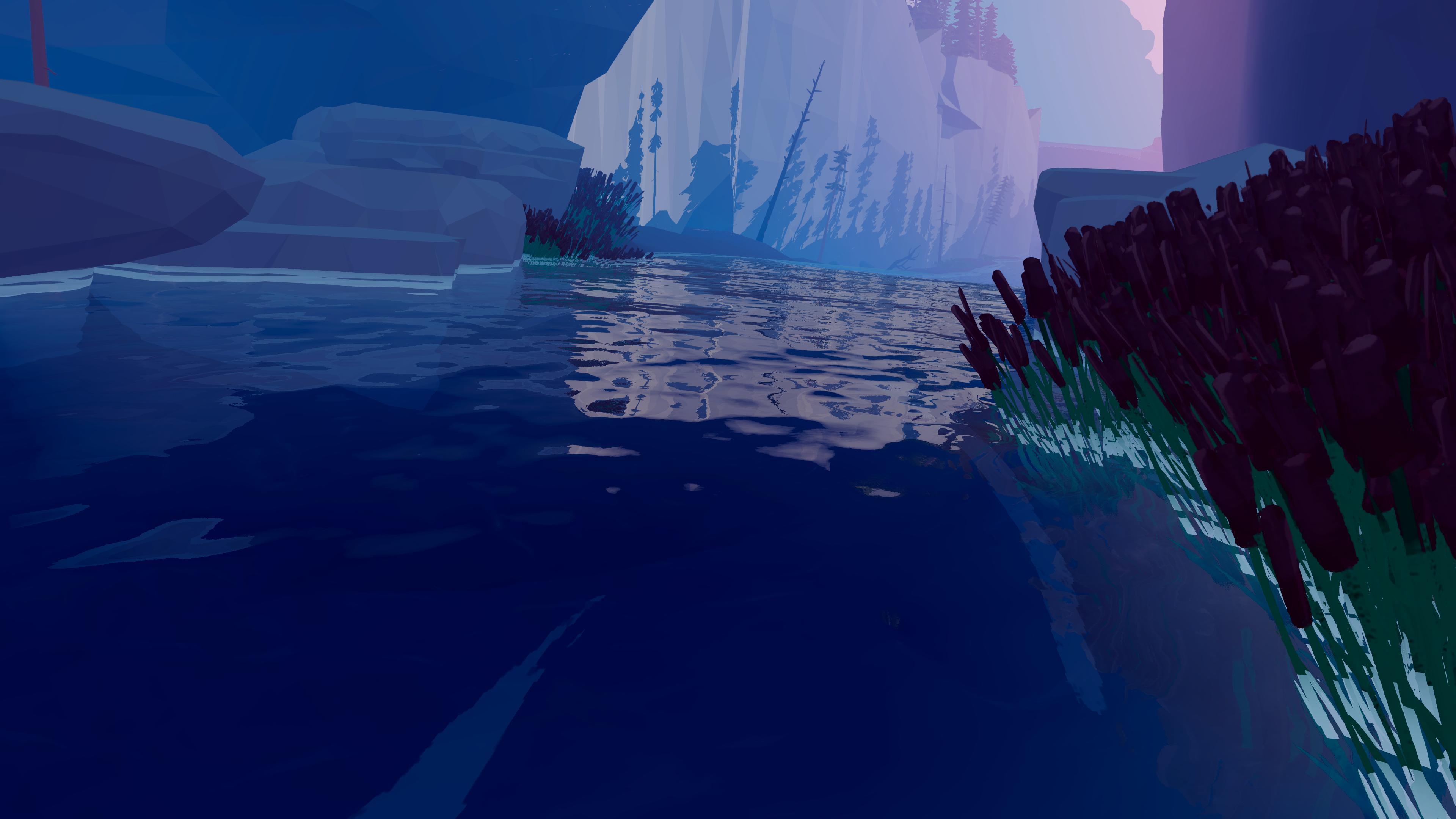
Back when I first started building the landscapes, I was spawning vegetation directly onto the terrain using standard mesh placement.
It was fast, easy to place and on my small, sandbox level I use for testing, worked like a charm.
Then I started crafting the whole, open world map. Performance was horrible.
With traditional mesh rendering, every single piece of vegetation (meaning every single grass blade) was being treated as a separate object. The CPU had to track each object and then send individual draw calls to the GPU.
In other words, the CPU spends all its time telling the GPU “draw this here, now draw this one over here, now draw this…”.
I’ve completely reworked the vegetation system to use GPU instancing.
Instead of the CPU sending thousands of individual draw calls for each piece of vegetation, we send one draw call that says “here’s a grass model, here are 10,000 positions where you should draw it.” The GPU then handles all the rendering in one batch.
Now this still renders the vegetation across the whole map (truth be told, in a more efficient way). What other devs do to handle distant vegetation is use techniques like LOD (swapping to lower-poly models at distance), fog to hide pop-in, or billboarding (flat 2D sprites for far away objects - Breath of the Wild does this).
We don’t need any of that. The top-down isometric camera has such a limited field of view that anything outside the visible area just doesn’t render at all. No tricks, no LOD transitions, no billboards - if it’s not on your screen, the GPU isn’t drawing it.
This is one of those cases where the camera perspective accidentally solved a huge performance problem without me having to do anything other than wire it up.
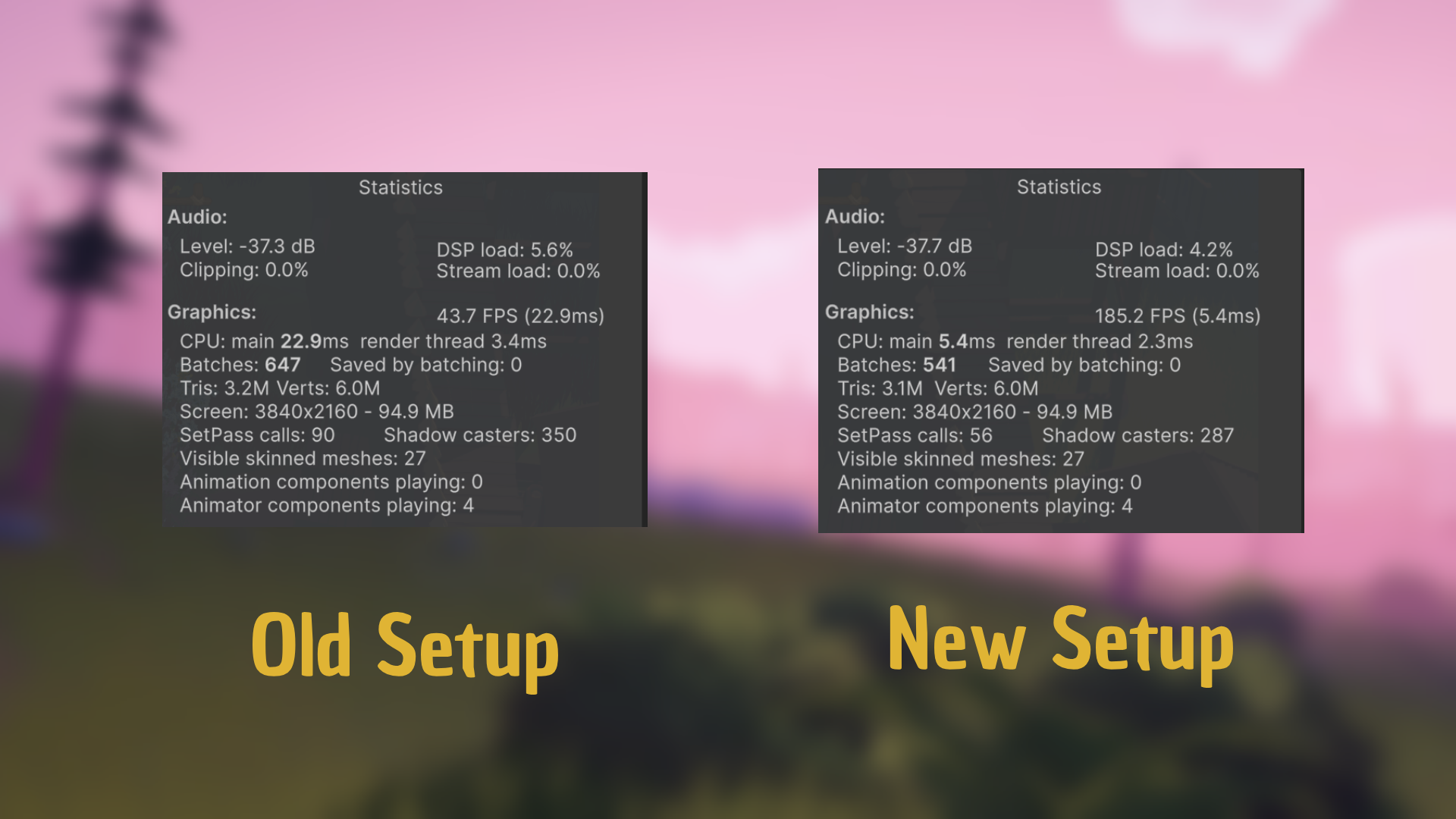
Previously, we were using a custom terrain detail painting script that placed vegetation meshes based on terrain layers. We’d paint different texture layers on the terrain (grass layer, dirt layer, etc.), and the script would spawn corresponding vegetation meshes on those painted areas.
Now, we’re using Graphics.DrawMeshInstanced() with GPU instancing. The terrain system still uses layer-based painting for vegetation distribution, but instead of spawning GameObjects, we’re generating instance data that gets batched and sent directly to the GPU.
More about the method: https://docs.unity3d.com/ScriptReference/Graphics.DrawMeshInstanced.html
With the new GPU instancing setup, a script reads those existing terrain layers and automatically generates vegetation based on what’s painted:
I can cover the entire 30km map with appropriate vegetation in just a few clicks, because all the placement logic is driven by the terrain layers I already manually painted. This means I don’t have to rely on the clunky Unity terrain painting tools and brush paint each and every square of the map.
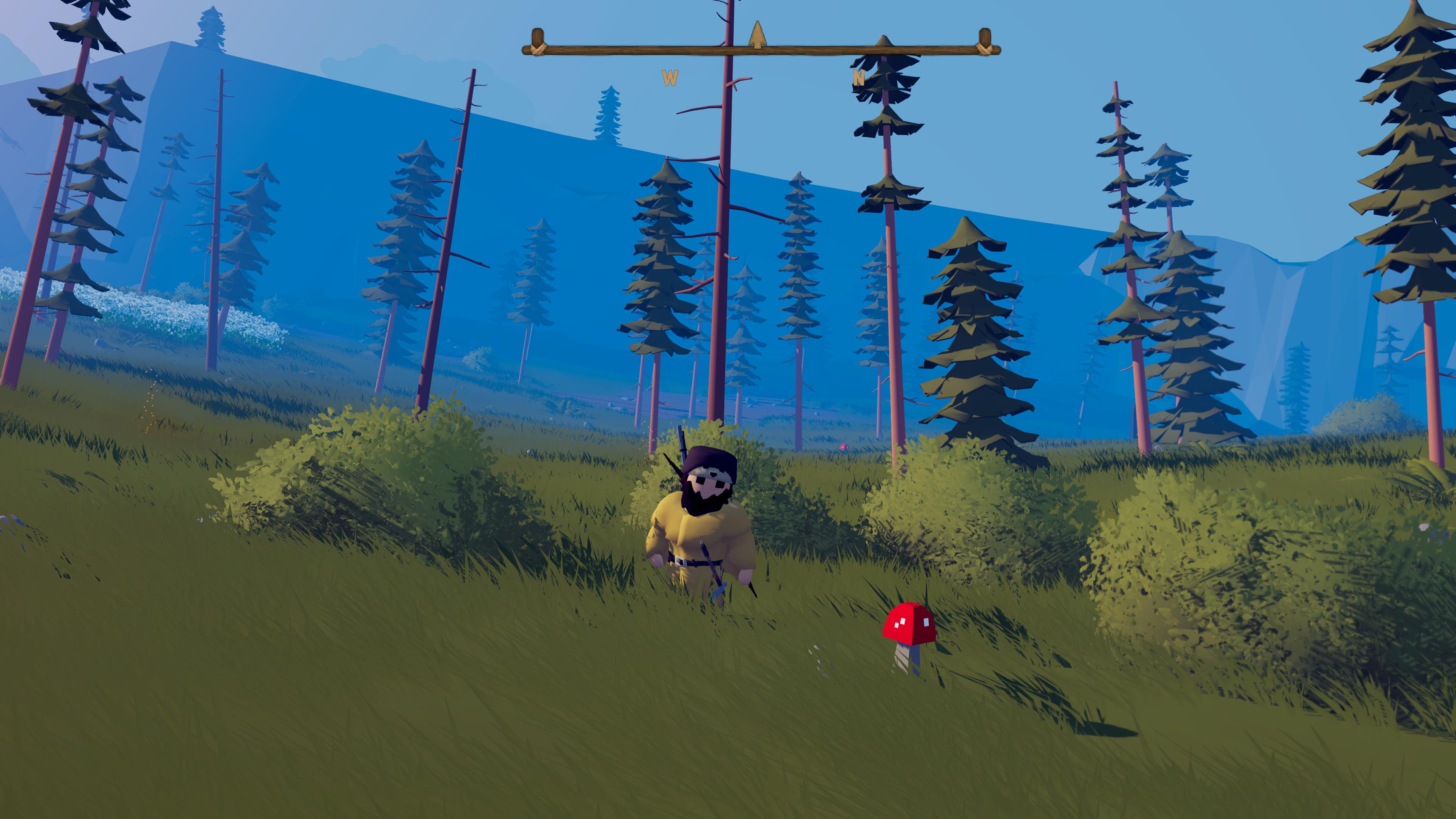
4K, Stress Test
Before: Dense vegetation = 40 FPS
After: Same density = 180+ FPS
Denser, More Realistic Environments
The frontier now feels properly wild and untamed. We’re no longer limited by performance constraints when it comes to vegetation density. Rivers can have thick vegetation along their banks, forests have a a whole bunch of different plants, and open fields can have that authentic sea-of-grass look (Looking at you BOTW).
Better Performance Across the Board
Even on lower-end hardware, the game runs significantly smoother.
More Freedom for Level Design
We can now have tall grass, thick bushes everywhere - which opens up more stealthier gameplay. Players will be able to hide in vegetation during hunts or encounters.
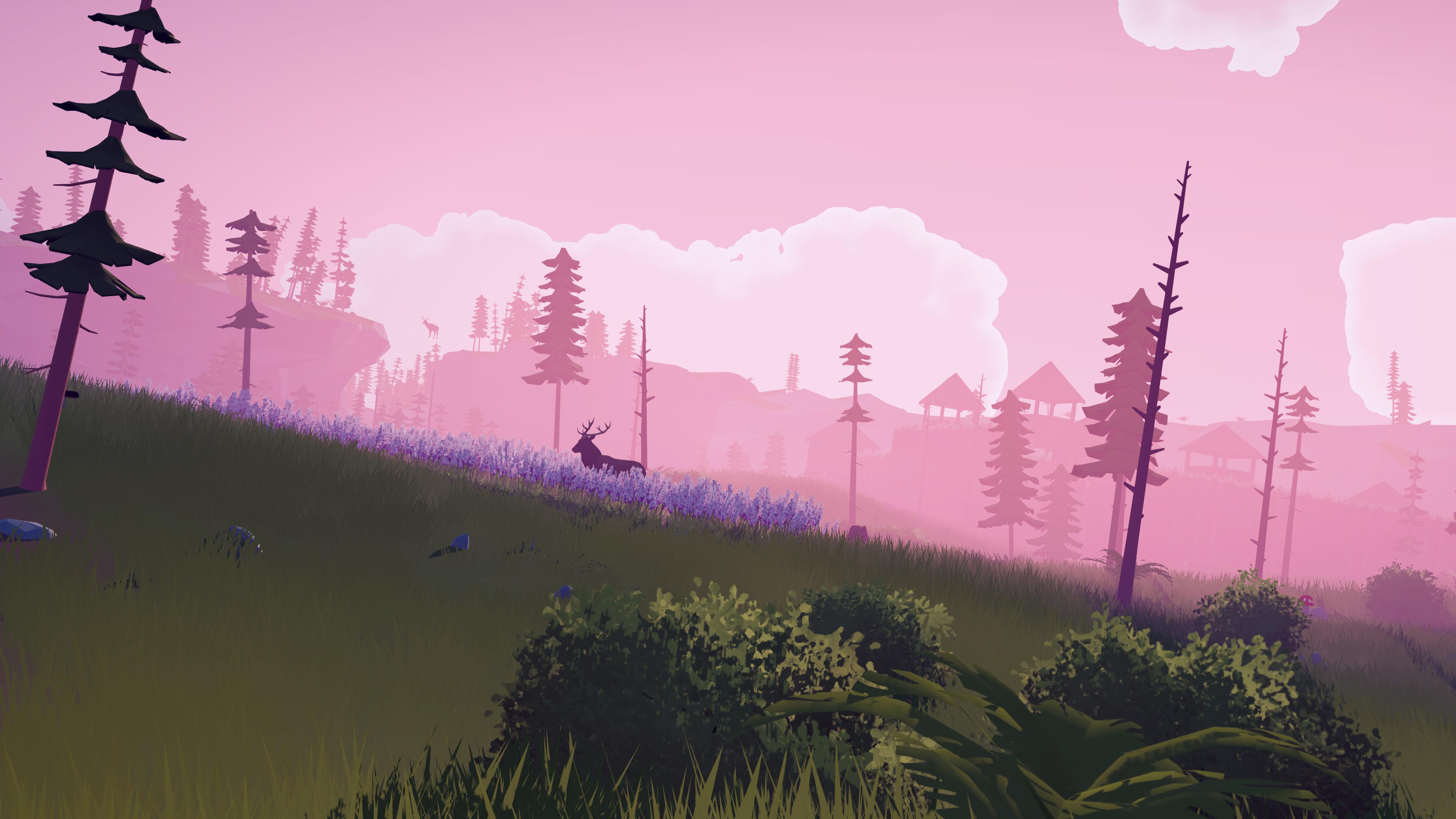
This overhaul opens up a lot of possibilities for the biomes I’m building.
Currently working on refining different zones. Each area could have its own distinct feel, and now we have the performance to make that happen.
Thanks for following!
Be sure to join our Discord if you have any ideas about the game ! (links below)
Join our Discord
